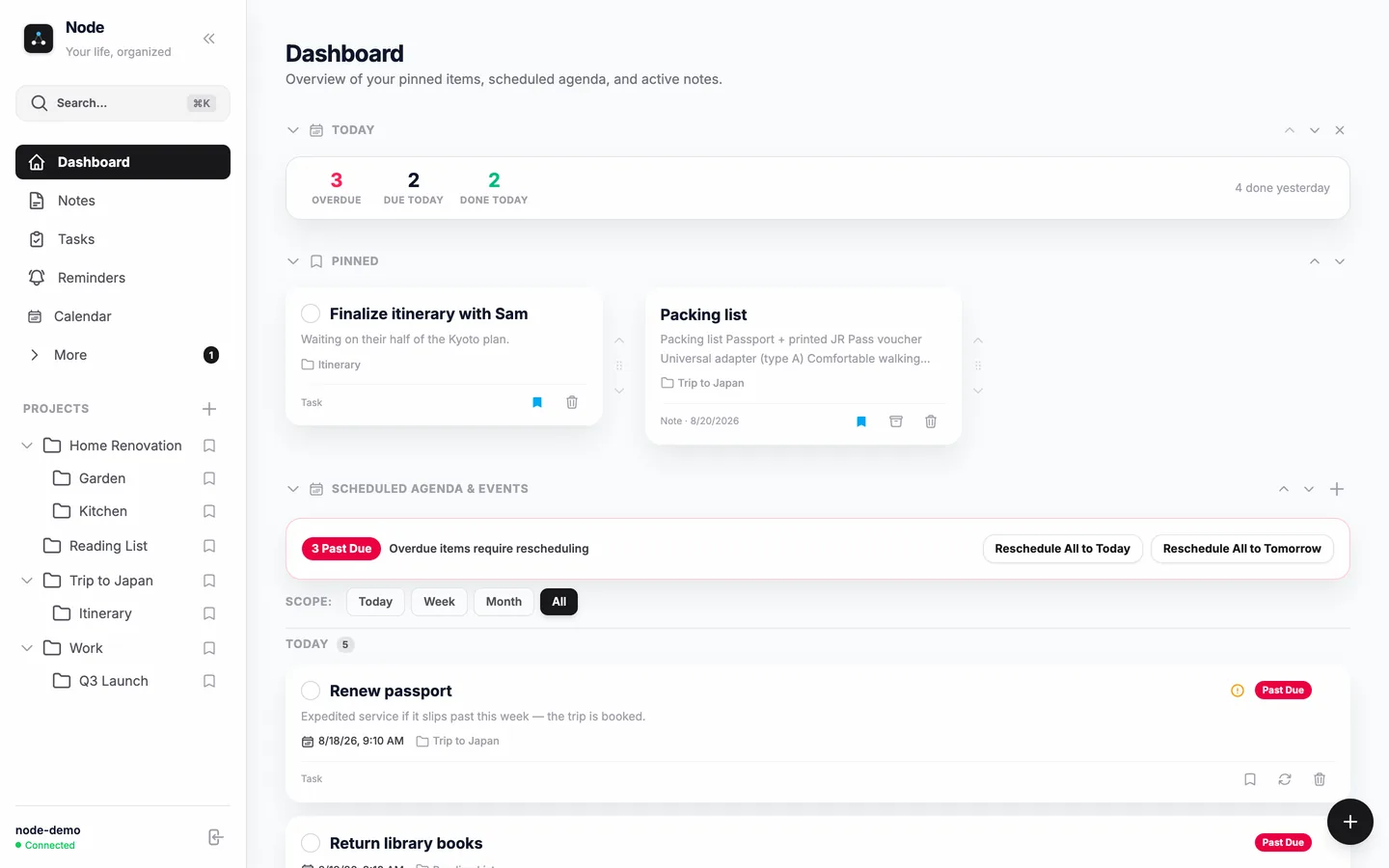
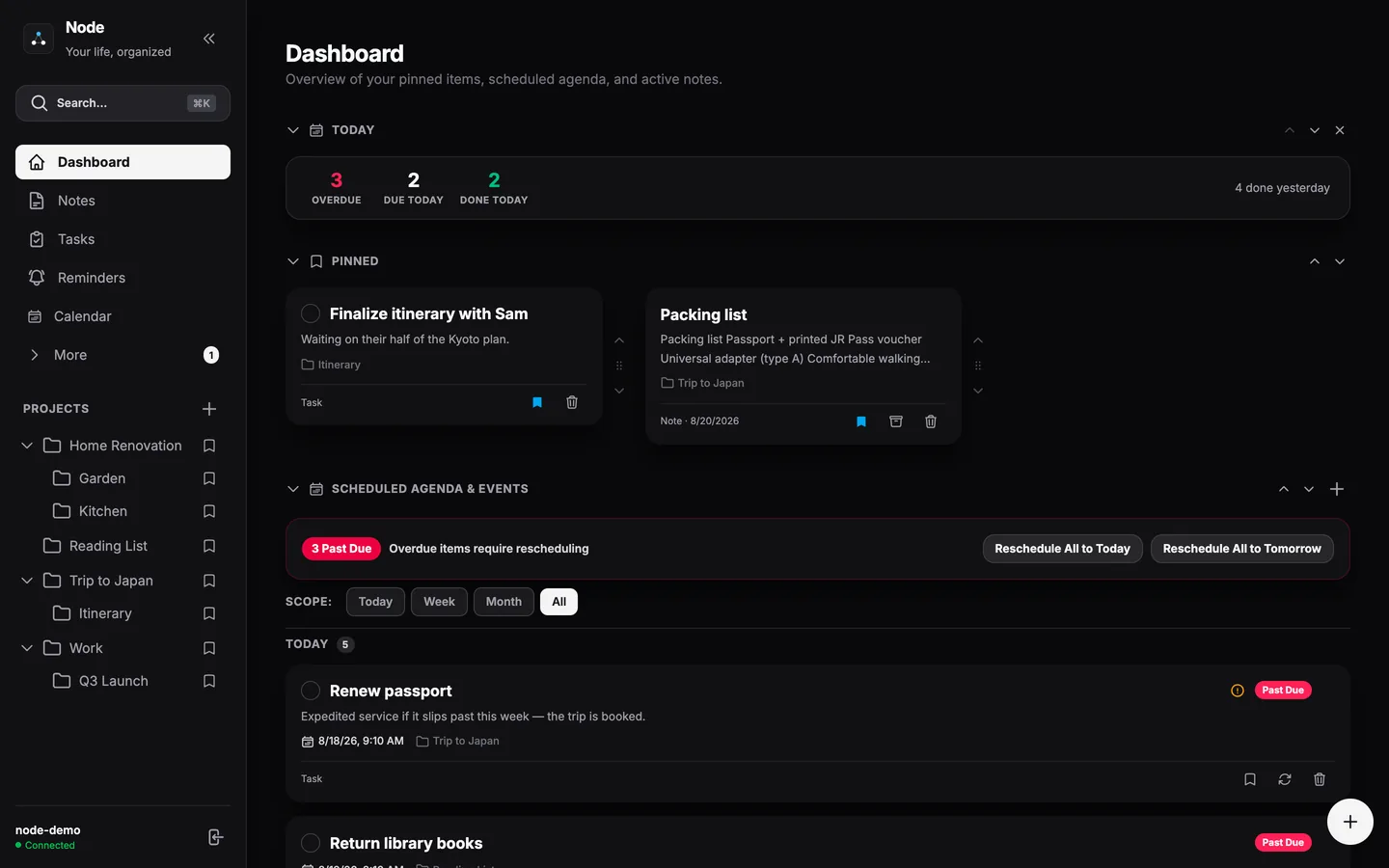
Node brings your notes, tasks, reminders, and calendar into one fast, private home that works offline — on the web and on your phone.
Are you sure?
Pinned items sit at the top. Pick where this one shows.
Pick a note to link to. The link goes in wherever your cursor is.
Invite sent successfully!
Restoring an older version makes it the current one. Your current version is saved first, so nothing is lost.
Repeats follow the schedule set here. Rescheduling a single past-due occurrence won't shift the series — applying this schedule re-anchors it to the reminder's current date.
Leave the times empty for an all-day event; add an end date for one that spans days.
This permanently deletes all of your notes, tasks, reminders, and projects in Node. There is no way to recover them. Your Attereon account itself stays — delete that at id.attereon.com.
Pick a note. Node adds the link here and lists it at the bottom of the note.
Paste, edit, copy — gone when you close it, unless you keep it.
Make this a top-level project or place it inside another. Its subprojects move with it.
Optional blocks for your dashboard. Reorder them with the section arrows; remove them anytime.
Defaults follow the classic Pomodoro rhythm: 25-minute focus, 5-minute breaks, and a 15-minute long break after every 4th focus block.
Pick the upcoming tasks and reminders you want counting down on your dashboard. Changes save immediately.
Choose where this note lives. The breadcrumbs above the note navigate there.
Drag to reposition — the circle is what everyone sees.